
Overview
Connect Mailchimp to Vibe to automatically sync your email audiences and retarget your subscribers on Connected TV. Use your existing Mailchimp lists, segments, and tags to reach the right people with highly relevant ads on the big screen.
- Keep your audiences automatically in sync — no manual uploads.
- Reach your most engaged subscribers where they're watching.
- Extend your email marketing strategy to CTV for unified cross-channel campaigns.
How to use
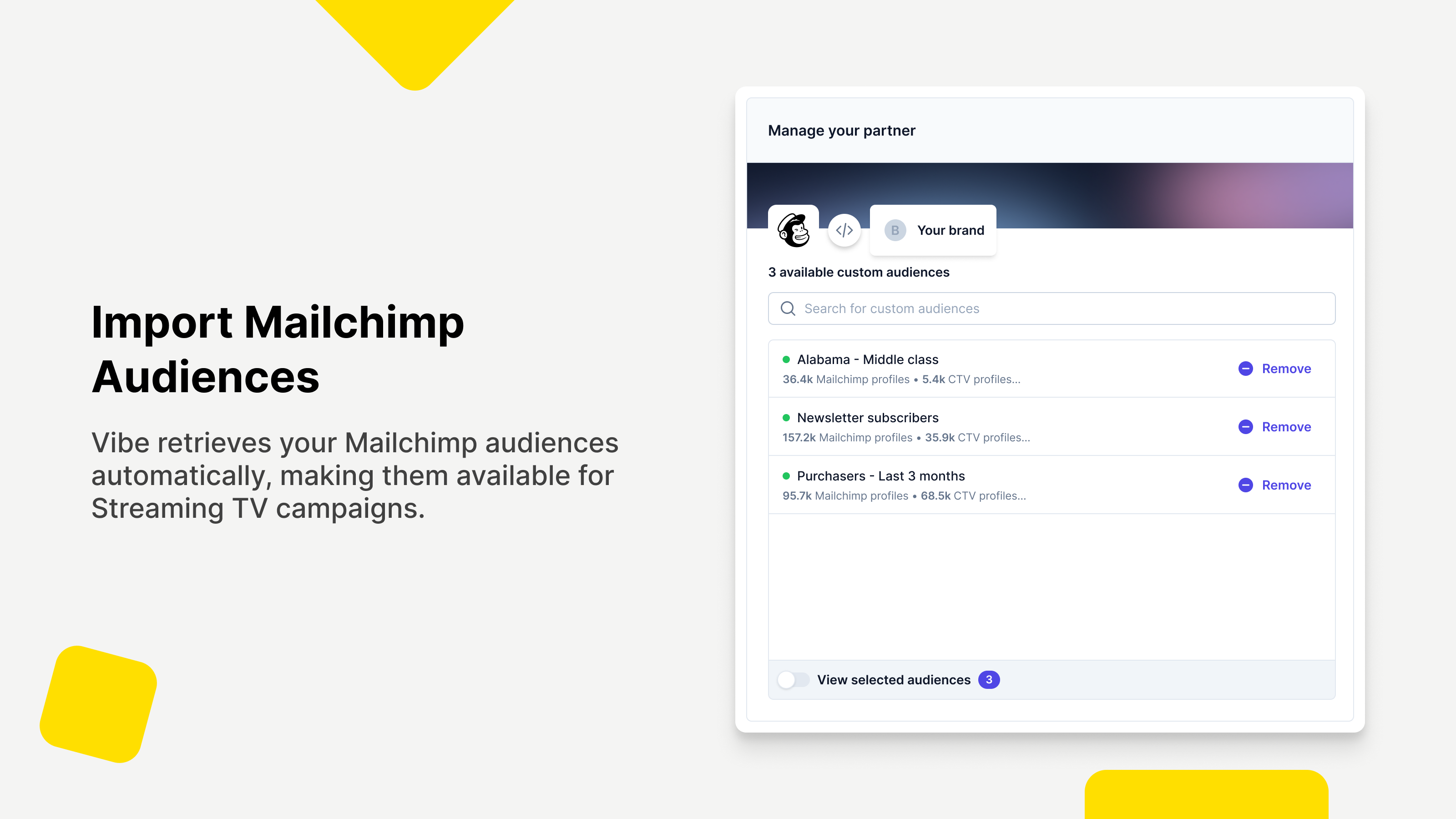
Once connected, you can select which Mailchimp audiences to sync with Vibe. Your email lists automatically become targetable CTV audiences, updated regularly to reflect subscriber changes.
- Navigate to Custom Audiences in your Vibe account settings.
- Click Connect next to Mailchimp and enter your Mailchimp API key.
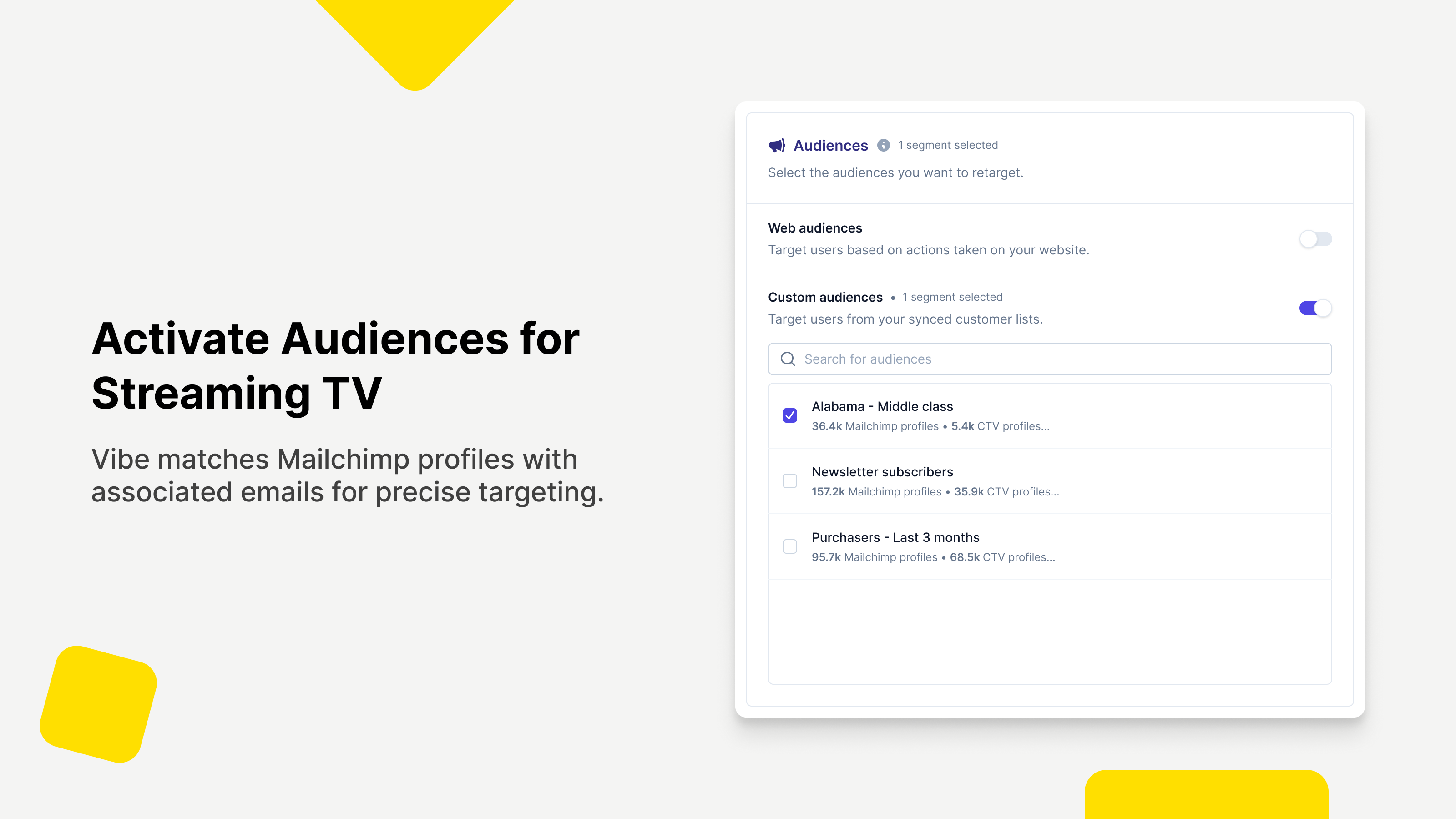
- Select the audiences and segments you want to activate on CTV.
- Vibe performs an initial sync of all existing members for immediate availability.
- Audiences are automatically updated at regular intervals to reflect list changes.
- Synced audiences appear under Custom Audiences, ready for targeting in your campaigns.
You might be interested in
Klaviyo
Sync customer data to power precise, data-driven CTV campaigns with high audience match and measurable impact.

Twilio Segment
Sync your customer data to Vibe for powerful Streaming TV audience targeting.

HubSpot
Sync your customer relationship data and automation workflows with your Streaming TV campaigns.

Clay
Build and manage high-intent ad audiences from 1st and 3rd party data in Clay and reach them on Streaming TV at scale.

Customer.io
Sync your Customer.io segments with Vibe to retarget your customers on Streaming TV campaigns.

Fivetran
Activate your Fivetran audiences on Connected TV to reach and retarget customers on the big screen.

L2
Trusted, precise voter & consumer data

mParticle by Rokt
Activate your mParticle CDP audiences on Connected TV to retarget customers on the big screen.

Omnisend
Sync audience from Omnisend to Vibe

Talk Data to Me
AI Audience Builder

Tealium
Activate your Tealium CDP audiences on Connected TV to reach and retarget customers on the big screen.